







Creating a home office that feels both cozy and productive is essential for anyone working remotely or managing tasks from home. A thoughtfully designed workspace can boost focus, reduce stress, and make your workday more enjoyable. Whether you have a dedicated room or a small corner, these tips will help you create an inviting and efficient office environment.
Choose the Right Location
Selecting the best spot for your home office is the first step. Ideally, pick a quiet area with minimal distractions.
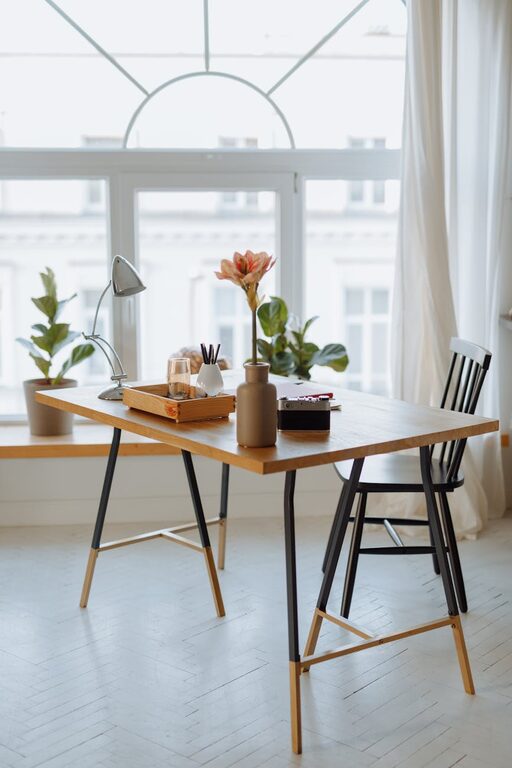
– Natural light: Position your desk near a window, if possible. Natural light improves mood and reduces eye strain.
– Away from noise: Avoid high-traffic areas like kitchens or living rooms to maintain focus.
– Space considerations: Make sure there’s enough room for your equipment and that you can move comfortably.
Invest in a Comfortable Chair and Desk
Ergonomics play a big role in productivity and comfort.
– Ergonomic chair: Choose one with good lumbar support, adjustable height, and comfortable cushions.
– Desk size: Pick a desk large enough for your computer, notebook, and any other daily tools without feeling cramped.
– Standing options: Consider a sit-stand desk or a convertible workspace to alternate between sitting and standing during the day.
Optimize Lighting
Good lighting prevents eye strain and keeps you alert.
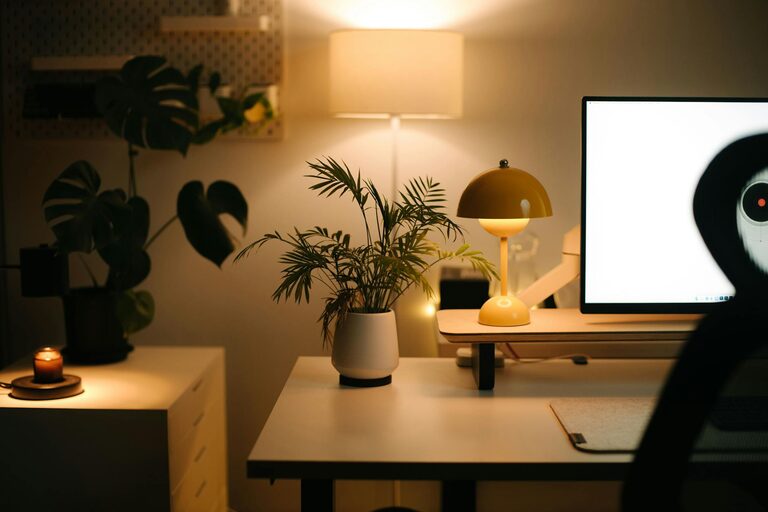
– Layer your lighting: Combine natural light, task lighting (like a desk lamp), and ambient lighting.
– Adjustable lights: Use lamps with adjustable brightness and position for customized illumination.
– Avoid glare: Place screens perpendicular to windows and use blinds to control brightness.
Personalize Your Space
Adding personal touches makes your office inviting and inspiring.
– Colors: Use calming colors like soft blues or greens for walls and decor, or energizing colors like yellow or orange if you prefer.
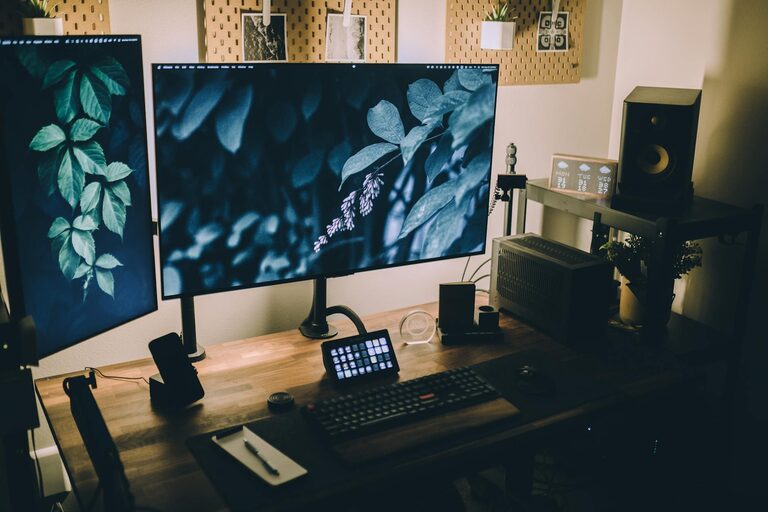
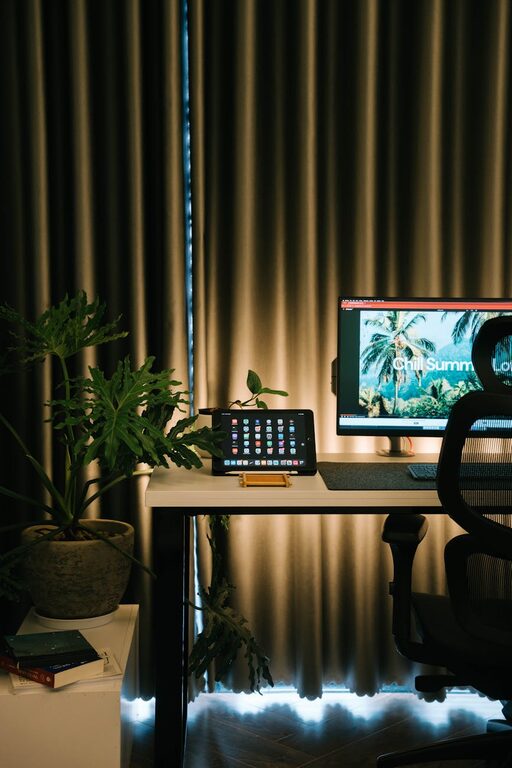
– Plants: Incorporate indoor plants to purify the air and add a touch of nature.
– Artwork and photos: Display pictures or art that motivate you or bring joy.
Organize for Efficiency
A clutter-free space helps keep your mind clear and focused.
– Storage solutions: Use shelves, drawers, and organizers to keep supplies tidy.
– Cable management: Use clips or tubing to keep cords neat and out of the way.
– Daily cleaning: Spend a few minutes at the end of each day tidying your desk.
Use Technology Wisely
Tech tools can streamline your work and keep distractions in check.
– Reliable hardware: Invest in a fast computer, quality monitor, and a good headset.
– Strong internet: Ensure your internet connection is stable and fast.
– Apps and software: Use productivity apps to manage time, tasks, and communication efficiently.
Create Boundaries
Separating work from home life helps maintain balance.
– Define office hours: Set clear working hours to avoid overworking.
– Separate space: If possible, close the door or use room dividers to mark your work zone.
– Signal availability: Use signs or indicators to let family members know when you’re busy.
Add Comfort Elements
Small comfort additions can improve your well-being throughout the day.
– Soft textiles: Use rugs, cushions, or a cozy throw to make the area inviting.
– Temperature control: Keep your workspace at a comfortable temperature using fans or heaters if needed.
– Water and snacks: Keep a bottle of water and healthy snacks nearby to stay refreshed.
Make Time for Breaks and Movement
Even the best workspace needs breaks to maintain productivity.
– Scheduled breaks: Use alarms or apps to remind you to step away briefly every hour.
– Stretching: Incorporate stretching or light exercises to reduce tension.
– Change scenery: If possible, move to a different room or outside for a few minutes.
—
By combining comfort with functionality, your home office can become a place you look forward to working in every day. Implement these tips step-by-step to build your perfect workspace that supports both productivity and wellbeing.