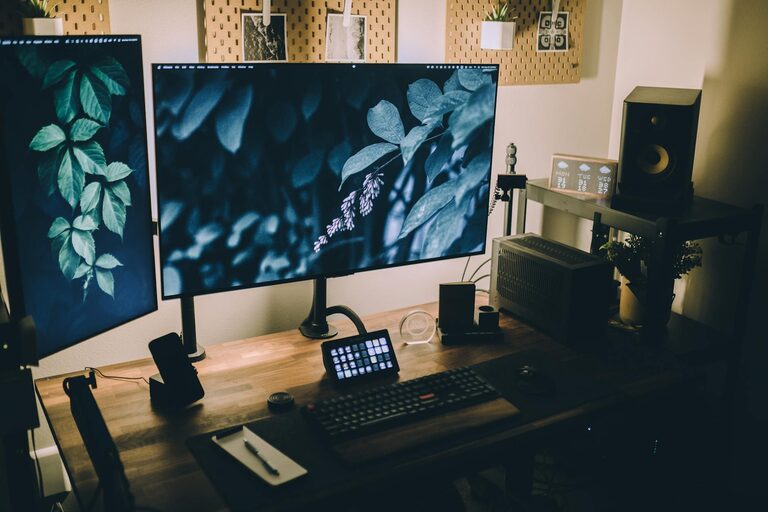







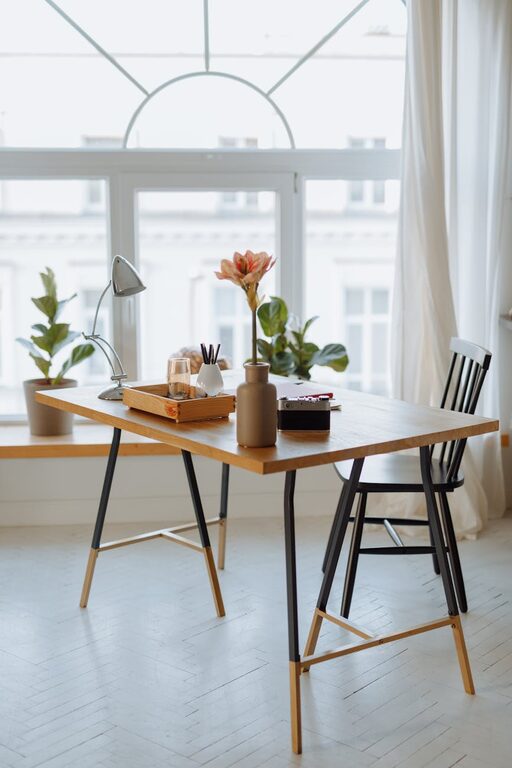
Creating a home workspace that feels both cozy and functional can greatly improve your productivity and well-being while working from home. Whether you have a dedicated room or a small corner, thoughtful design and organization can transform your area into a space where you enjoy spending time. Here are practical tips to help you build a workspace that supports comfort and focus.
Choose the Right Location
Find a Quiet Corner
Selecting a spot with minimal distractions is key. Look for a quiet corner away from high-traffic areas in your home. This can help you focus better and reduce interruptions.
Consider Natural Light
Ideally, set up near a window to benefit from natural light. Sunlight can boost mood and energy levels while reducing eye strain. If natural light is limited, invest in good-quality artificial lighting, such as a desk lamp with adjustable brightness.
Invest in Comfortable Furniture
Desk
Pick a desk that fits your available space but offers enough surface area for your computer, notes, and other essentials. Adjustable desks that allow you to sit or stand can improve comfort and posture.
Chair
A supportive, ergonomic chair is essential. Look for one with adjustable height, lumbar support, and comfortable padding. Sitting comfortably helps prevent back pain during long work hours.
Organize Your Space Efficiently
Declutter Regularly
Keep your workspace tidy by regularly removing unnecessary items. A clutter-free area promotes clearer thinking and better focus.
Use Storage Solutions
Incorporate shelves, drawers, or organizers to store office supplies, papers, and electronics. Labeling containers can help keep things orderly and easy to find.
Manage Cables
Tidy cables with clips or sleeves to avoid tangles and maintain a neat appearance. Cable management also reduces tripping hazards and equipment damage.
Add Personal Touches
Decorations
Include a few personal items like photos, artwork, or plants. These elements create a pleasant environment and make the space feel uniquely yours.
Plants
Small indoor plants not only add greenery but also improve air quality and reduce stress. Choose low-maintenance varieties like succulents or pothos.
Optimize for Productivity
Set Up Tech Wisely
Arrange your computer, keyboard, and mouse to minimize strain. Keep frequently used items within arm’s reach to increase efficiency.
Use a Whiteboard or Corkboard
Having a place to jot down ideas, to-do lists, or deadlines helps stay organized and focused.
Control Noise Levels
If noise is a problem, consider noise-cancelling headphones or a white noise machine to reduce distractions.
Establish a Routine
Define Work Hours
Even though you work from home, setting clear start and end times helps maintain work-life balance.
Take Breaks
Make room for short breaks to move around, stretch, or relax. This refreshes both body and mind.
Maintain Good Lighting and Climate
Avoid Glare
Position screens and lights to minimize glare, which can cause eye fatigue.
Control Temperature
Keep your workspace at a comfortable temperature using fans, heaters, or open windows as necessary to stay comfortable throughout the day.
Keep Healthy Habits in Mind
Posture Matters
Regularly check your posture to prevent discomfort. You might also add a footrest or use a cushion for extra support.
Stay Hydrated
Keep a water bottle nearby to remind yourself to drink plenty of fluids.
—
By following these tips, you can create a home workspace that is both inviting and practical. A comfortable, organized environment will not only enhance your productivity but also make working from home a more pleasant experience day after day.